


WordPress Plugin
LuckyUp for WooCommerce
Collect emails with a game your customers love. Wheel of fortune, scratch card or gift boxes, unique WooCommerce coupons and integration with Brevo and Klaviyo, without writing a single line of code.
LUCKYUP FOR WOOCOMMERCE (FREE PLUGIN)
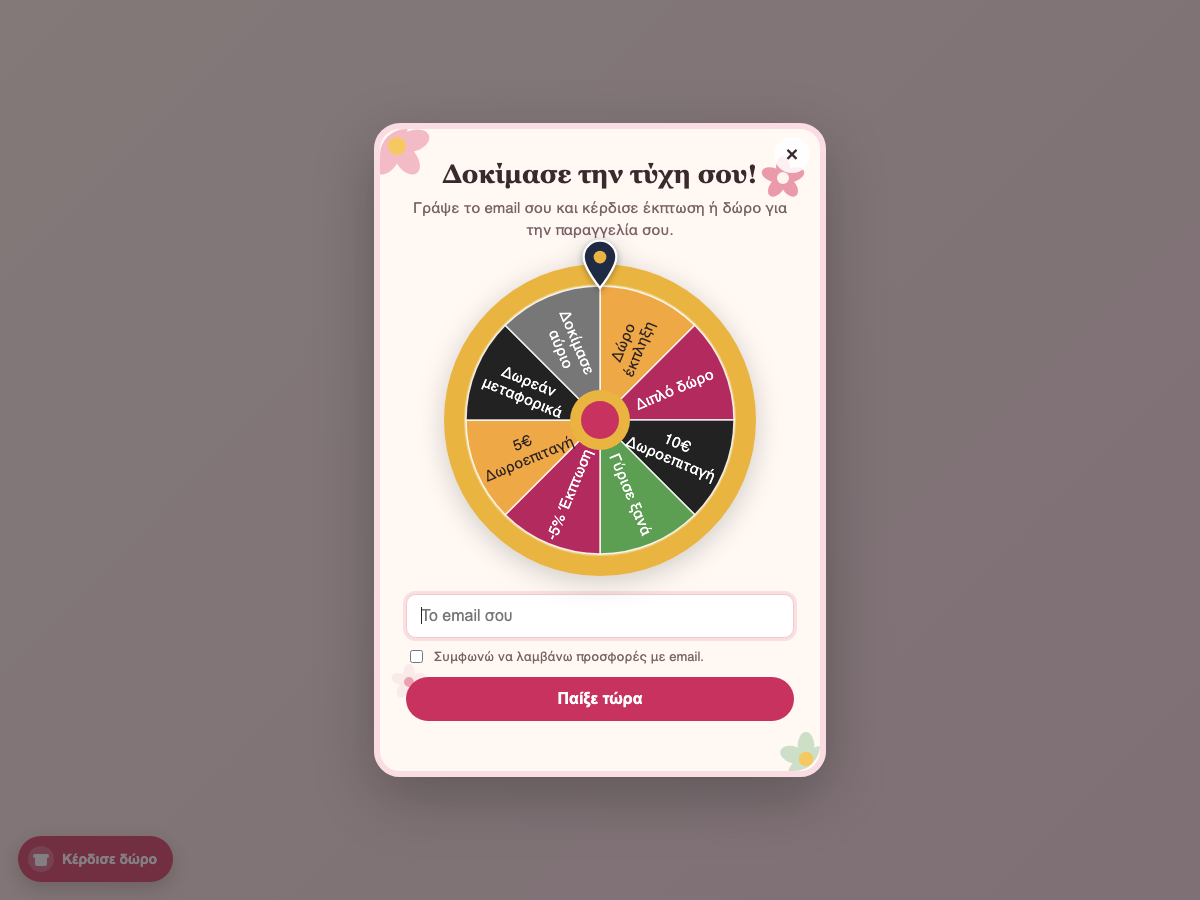
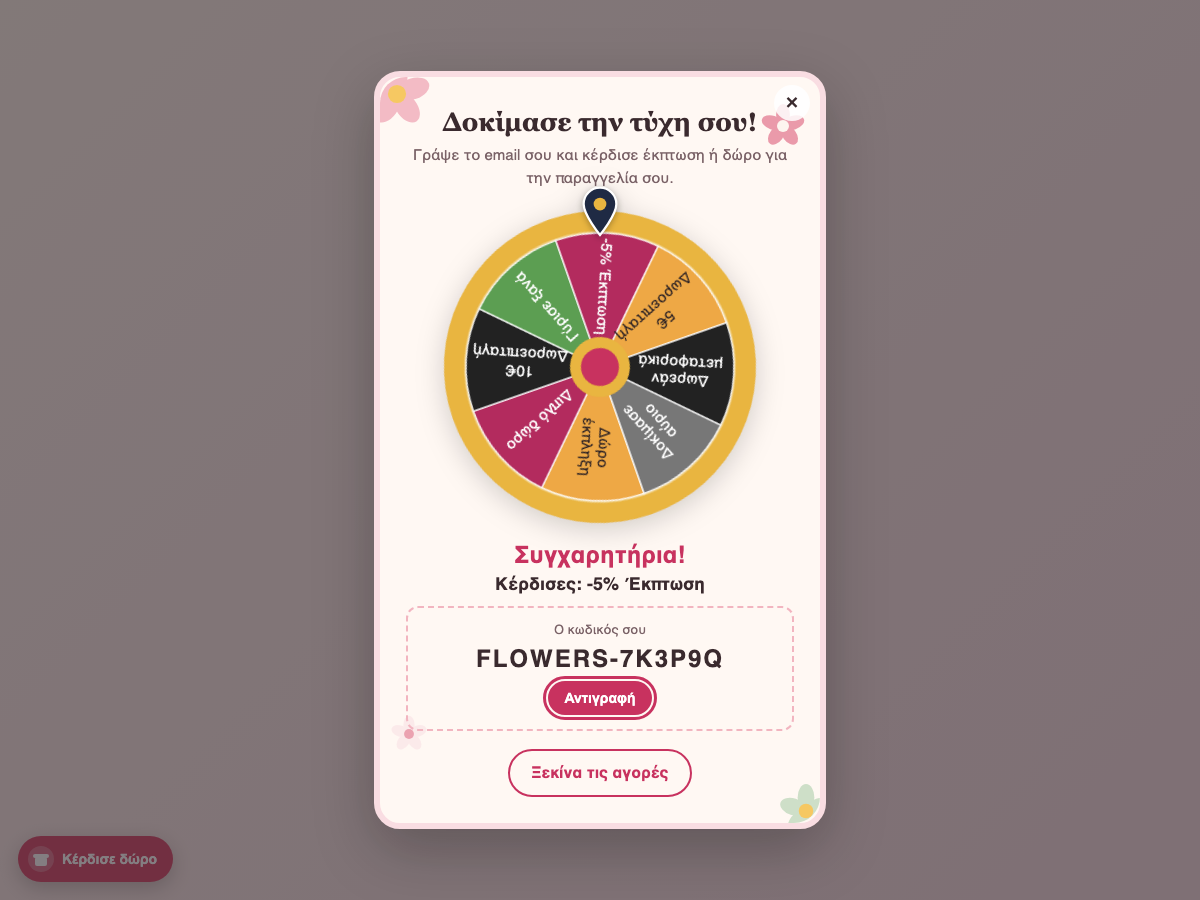
LuckyUp for WooCommerce is a free plugin that turns your e-shop visitors into subscribers. Visitors enter their email, play and always win something: a discount, free shipping or a gift with their first order. The code appears on screen and is also sent to their email, while the contact is added automatically to Brevo or Klaviyo.
Features
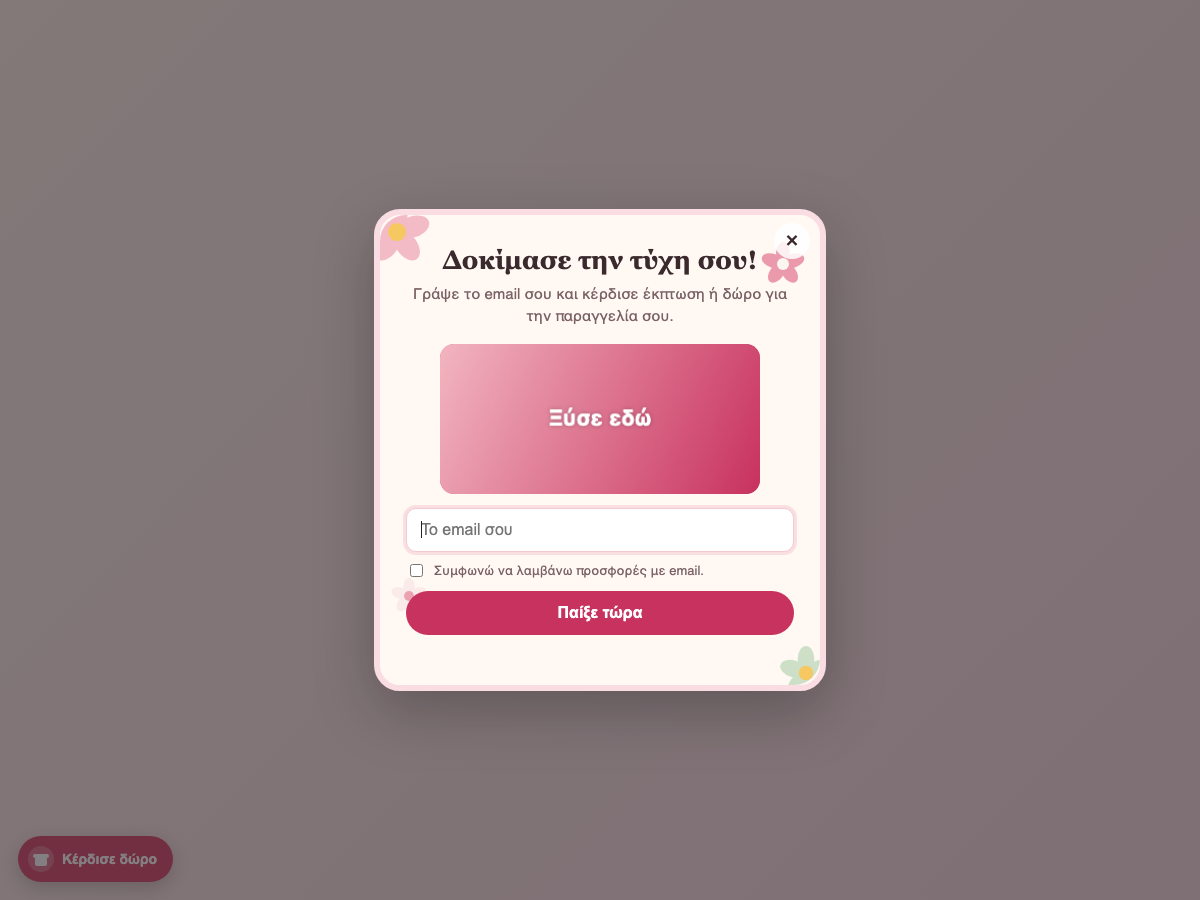
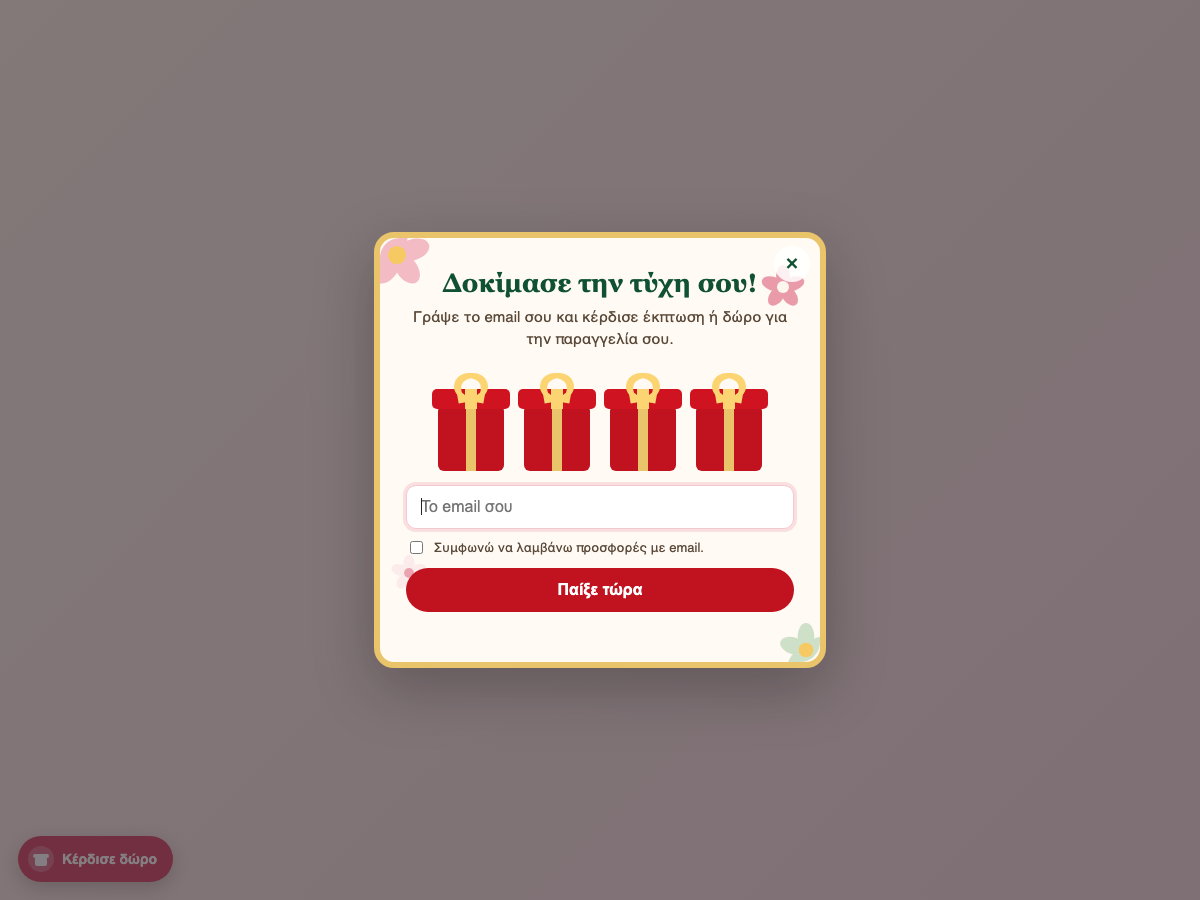
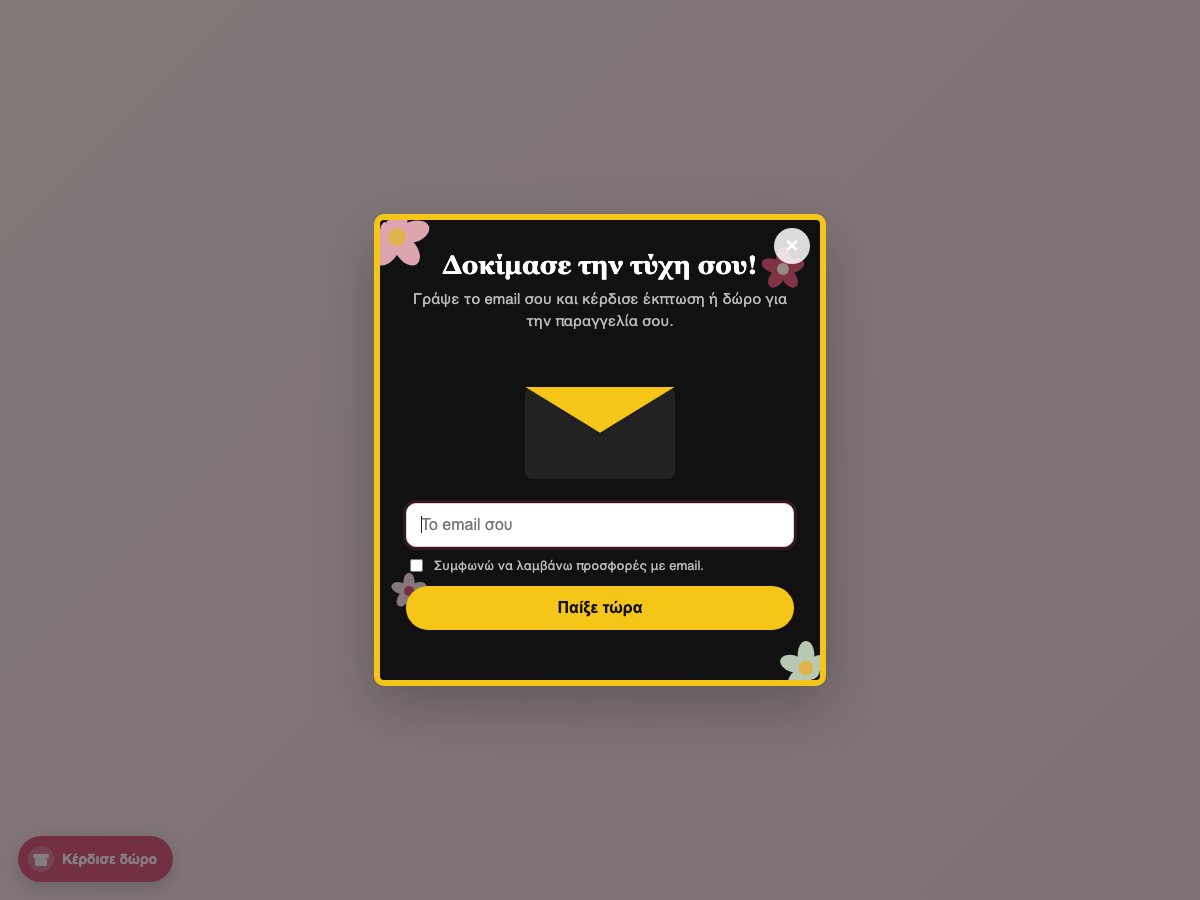
- Four games: wheel of fortune, scratch card, gift boxes and surprise envelope
- A probability for each prize, with a check that the total adds up to 100% and a usage limit per prize
- The draw takes place on the server, so nobody can change the result
- Average discount calculator: see in advance how much the campaign will cost you
- Unique single-use WooCommerce coupons, with your own prefix, suffix and expiry date
- A free product prize added to the customer's first order
- Game rules: once, every day, every week, every month or every X days
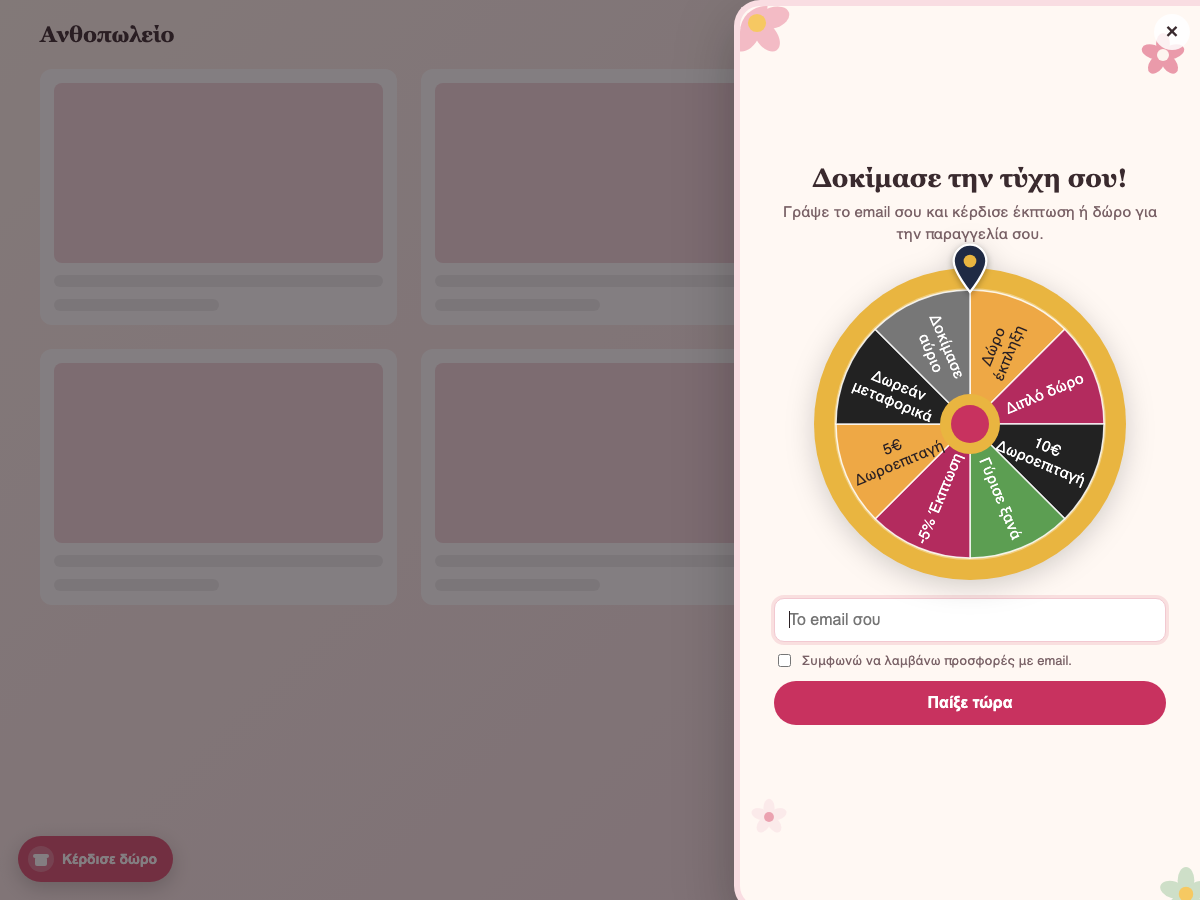
- Popup in the centre or in a right or left panel, always centred on mobile
- Respects the cookie banner and other popups on the page
- Game Builder with live preview, ready-made designs and your own images
- Integration with Brevo, Klaviyo and a webhook for Zapier, Make or n8n
- Statistics with a chart, date filters, search and CSV export
- Compatible with HPOS and the WooCommerce block-based checkout
Free and Pro
The free version has two games, the wheel of fortune and the scratch card with your own cover image. It includes all prize types (% and € discounts, free shipping, a free product with the first order, play again, no prize), themes and ready-made designs, an average discount calculator, game rules and dates, right or left panels, page and device targeting, a button that stays on the page, Brevo integration and an email with the code. The Pro version adds gift boxes and the surprise envelope with your own images, Klaviyo and webhook integration, and detailed statistics with a chart, lists and CSV export.
49,00€
Annual billing, Pro version
Greek text and support
Support
All our plugins are compatible with the latest versions of WordPress and WooCommerce.
If you have any questions, we will be happy to help!
FREQUENTLY ASKED QUESTIONS
LuckyUp for WooCommerce
Does it require WooCommerce?
Yes. LuckyUp for WooCommerce creates WooCommerce coupons, so it needs WooCommerce to be active. It is compatible with HPOS and the block-based checkout.
Can someone win a big discount several times?
No. You decide how often each visitor can play, once or every day, week or month, and checks are made by email, account and browser. Every code is unique and valid once, and you can also set a usage limit for each prize.
How does the free product prize work?
You choose a product from your store. Whoever wins it gets a code that adds the product for free to their first order. If the email address has already placed an order in the past, the code is not accepted.
Does it connect to Brevo and Klaviyo?
Yes. Every new email address is added to the list you choose, along with the prize, the code and its expiry date. An event is also sent to Klaviyo so you can trigger a flow. For other platforms there is a webhook.
Will it slow down my site?
No. The game only loads where it is displayed, without heavy libraries, and works normally with caching plugins such as WP Rocket.
Can I customise it to match my store's colours?
Yes. In the Game Builder you can change colours, logo, text and images, and see the result instantly. There are also ready-made designs, such as Florist, Minimal, Christmas and Black Friday.
Is it GDPR compliant?
Visitors give explicit consent before playing, the game waits for the cookie banner and it connects to the WordPress data export and erasure tools. You can also set old data to be deleted automatically.
LuckyUp for WooCommerce User Guide
1. Installation
Upload the zip from Plugins, Add New, Upload Plugin and activate it. The settings are in the WooCommerce menu, under LuckyUp.
2. Game Builder
Choose a game, enter the prizes with the probability of each one so that the total adds up to 100%, and choose a design. The preview shows the result instantly and you can try it out. Finally, the calculator shows you the average discount per game.
3. Play rules
You set how often someone can play, how many days the code is valid, the minimum order and what the code looks like, with a prefix, suffix and number of characters.
4. Display
You choose whether the popup opens in the centre or in a panel, when it opens (after a few seconds, on scroll or when the visitor is about to leave) and on which pages. With the shortcode [luckyup] you can also place the game inside a page.
5. Email and Integrations
Write the email with the code or use a Brevo template. In Integrations, enter your Brevo or Klaviyo keys and click Test connection.
6. Activation and Statistics
In General, you activate LuckyUp for WooCommerce. In Statistics you can see games, emails, orders and revenue, with date filters and CSV export.
RELEASE HISTORY
What's new in each version
Version 2.0 (2.0.0-2.0.7) · Free & Pro version · November 2026
- New: Free and Pro versions. Your settings are kept even if your Pro licence expires.
- The free version includes the wheel and the scratch card, the “Florist” theme and ready-made presets, all prize types, the discount calculator, all game rules and all display and targeting options.
- The Pro version adds more games, Klaviyo, a webhook and detailed statistics.
- The total of the probabilities is shown below the prize table.
- Security and compatibility checks. Requires WordPress 6.2 or later.
Version 1.7 · Statistics
- New tabbed statistics: Overview, Games, Orders, Export, with a date filter and a daily chart.
- Tables with search and filters (prize, game, used or not) and a link to the order.
- CSV export based on the filters.
- “Codes used: X of Y” instead of a bare percentage.
- Optional daily deletion of LuckyUp coupons that expired unused, and a “LuckyUp” filter in the coupon list.
Version 1.6 (1.6.0-1.6.1) · Coupon codes
- Coupon code settings: prefix, suffix, number of characters (4 to 20), letters and/or numbers, no look-alike characters, with a live example.
- Fix: the popup no longer moves while the wheel is spinning.
Version 1.5 (1.5.0-1.5.2) · Klaviyo & Game Builder
- New: Klaviyo integration. Profiles with the prize details, list subscription with consent and a “LuckyUp Prize Won” event for flows.
- New Game Builder tab: game, prizes, design and discount calculator on one page with a live preview.
Version 1.4 · Game & Design
- New Game & Design tab: game selection with cards, theme, colours, logo and options next to the live preview.
- Fix: settings saved from different tabs no longer reset each other.
Version 1.3 (1.3.0-1.3.2) · Design & presets
- Design tab: colours for all games, scratch card cover (colour, gradient or your own image), 3 to 5 gift boxes and shapes for the mystery reveal.
- Ready-made presets: Florist, Minimal, Christmas, Black Friday.
- Live preview of the game in the admin area.
- Warning when a prize label does not match its value.
- Fixes to the wheel spin and the form after a win.
Version 1.2 (1.2.0-1.2.2) · Respecting other popups
- Waits for the cookie banner and does not open on top of another popup. Optionally one popup per visit.
- New popup position: left sidebar (centred on mobile).
- Recommended logo dimensions in the settings.
Version 1.1 · New wheel
- New wheel design, colour per segment and live preview.
- Popup position: centre or right sidebar.
- New prize types: “Spin again” and “No prize”.
Version 1.0 · First release
- First release of LuckyUp for WooCommerce.
Ready to fill your list with emails?
Download LuckyUp for WooCommerce for free and set up your first game in minutes.